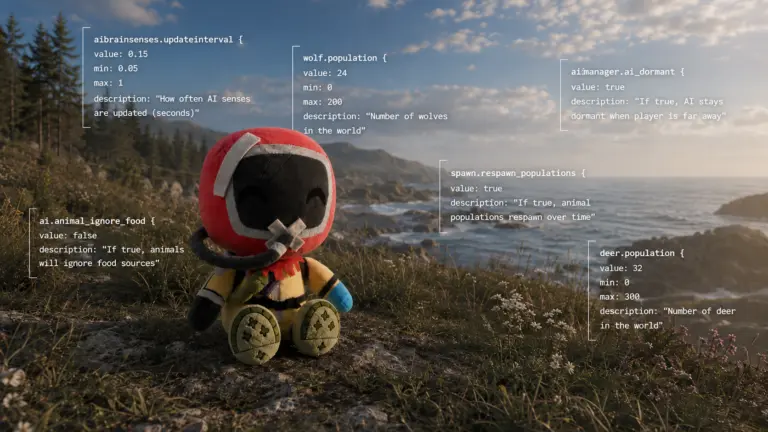
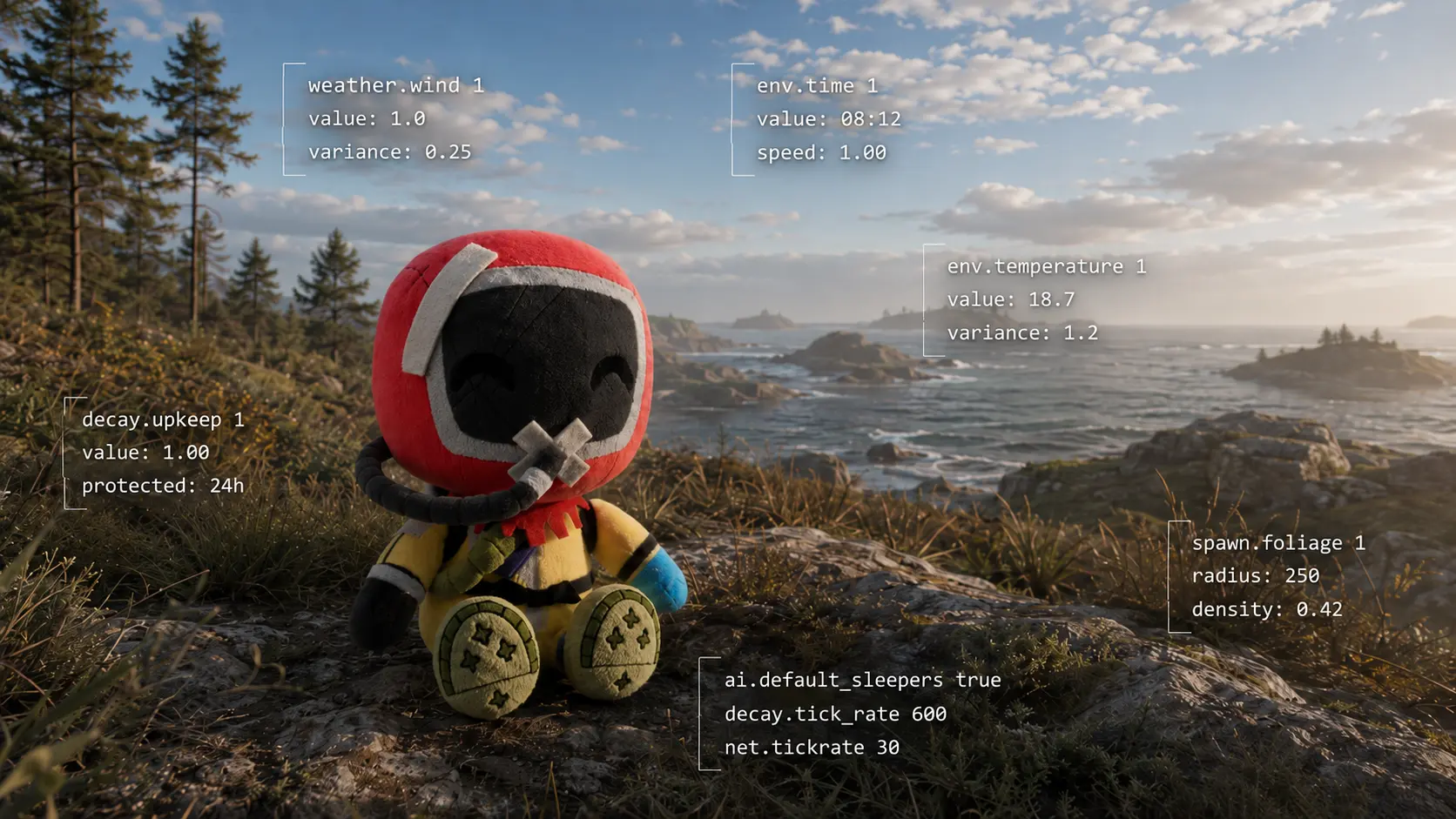
The Controls Under Rust
Learn how Rust Commands, ConVars, namespaces, defaults and value ranges expose the control surface behind the island and its server systems.
Commands, ConVars and the Language Behind the Island
Rust has a language underneath the game.
Most players never need to learn it.
They can build a base, fight a Scientist, wait for sunrise, complain about the rain and get eaten by a bear without ever knowing that many of the systems around them expose names such as:
weather.rain
env.time
ai.npc_enable
aimanager.ai_dormant
spawn.respawn_populations
decay.upkeep
These are not categories invented by a wiki.
They are part of Rust’s own console language.
Some are Commands. Others are ConVars.
Together, they expose part of the machinery operating underneath the island.
This series is not intended to become a giant list of things to type into F1. The names are more interesting than that.
They show us how Rust divides its own systems.
Commands and ConVars
A Command asks Rust to perform an action.
For example:
weather.reset
returns the weather system to dynamic weather.
A ConVar, or console variable, stores a value used by a system.
For example:
aimanager.ai_dormant = TRUE
or:
decay.upkeep_period_minutes = 1440
The practical distinction is simple:
Command → do something
ConVar → hold or change a setting
Rust’s current console contains both, often grouped under the same namespace. The project baseline uses that native classification rather than inventing a second taxonomy on top of it.
The Dot Matters
The part before the dot is usually the first clue.
weather.*
env.*
ai.*
aimanager.*
spawn.*
decay.*
deepsea.*
npcvendingmachine.*
These prefixes are useful because they show how Rust groups controls internally.
Something that looks like one system during gameplay may actually be divided into several namespaces.
AI is a good example.
Rust currently exposes controls under:
ai.*
aimanager.*
aibrainsenses.*
aithinkmanager.*
The current inventory separates general AI behaviour, dormancy and scheduling, sensory updates and frame-budget controls.
So AI is already too broad a word.
Seeing something, reasoning about it, waking an entity and deciding how much CPU time AI can consume are different administrative problems.
The console tells us that before we even change a value.
The Console Is a Control Surface, Not the Source Code
This distinction is important.
If Rust exposes:
weather.rain
we know that a rain control exists.
That does not mean the entire rain system is contained in that variable.
Likewise, if Rust exposes:
aimanager.ai_dormant
we know dormancy is an exposed part of AI management.
That does not mean we suddenly know every internal rule deciding when every NPC becomes dormant.
A useful way to read these controls is:
Condition → Gate or Trigger → Activation → Effect
Depending on the system, we may also need to distinguish:
Entity existence
Simulation
AI decision
Client representation
Those are not automatically the same thing.
A visible result tells us what happened.
A ConVar can sometimes tell us which control surface participated.
Neither automatically gives us the entire implementation.
That distinction is one of the main rules of this series.
How to Read the Values
The following conventions apply throughout the series.
They are explained here once so they do not need to be repeated in every article.
Most importantly:
A number only becomes meaningful when we know what Rust is measuring.
Default
Every ConVar table will include the default value whenever it is known.
For example:
decay.upkeep_period_minutes = 1440
The 1440 is not simply an example.
It is the recorded default for that ConVar in the current source baseline.
Default and accepted range are two different things.
A default of:
-1
does not tell us whether the other accepted values are 0–1, 0–100, any float, an enum, or something else.
Those must be documented separately.
TRUE / FALSE
These are Boolean values.
Example:
aimanager.ai_dormant = TRUE
Only two states are involved:
TRUE
or:
FALSE
No additional range needs to be invented.
Integers
Some values represent whole numbers:
30
160
1440
The important detail is usually their unit or meaning.
For example, a value could represent:
- seconds;
- minutes;
- meters;
- a count;
- a mode number;
- a tick budget.
The table should identify that context when it is known.
Floats
A floating-point value can contain decimals:
0.5
0.15
1.25
A documented range might be:
0.0–1.0
But that still does not tell us whether a particular system expects steps of 0.1, 0.01, or accepts much finer decimal values.
When an exact step or precision is documented, it can be shown.
When it is not, it should not be invented.
Decimal Values Are Not Always What They Look Like
env.time is a particularly good example.
Facepunch documents it as accepting values from 1–24 for setting the server’s time of day. (Facepunch Wiki)
But the decimal part represents a fraction of an hour.
So:
9.00 = 09:00
9.25 = 09:15
9.50 = 09:30
9.75 = 09:45
and:
9.10
is approximately:
09:06
not 09:10.
This is the sort of interpretation that belongs beside the variable because trial-and-error alone does not immediately explain the representation.
Enumerated Values
Sometimes numbers do not form a normal numerical scale.
A control might use:
0
1
2
3
with each number selecting a different mode.
In that case, the useful documentation is not:
Range: 0–3
It is:
0 = ...
1 = ...
2 = ...
3 = ...
The values are an enumeration.
Sentinel Values
Some systems reserve a value for a special meaning.
A common example in weather.* is:
-1
Facepunch documents negative values for its detailed weather controls as meaning that the administrator is not overriding the value and that dynamic weather remains in control. (Facepunch Wiki)
This does not make -1 a universal Rust convention.
Another ConVar may use -1 for something completely different.
Sentinel values are interpreted per system.
Units
When the unit is known, it matters more than the raw number.
Facepunch documents:
env.oceanlevel 1
as raising the ocean by one meter. (Rust)
Likewise:
decay.upkeep_period_minutes = 1440
already tells us the unit in the name itself: minutes. Facepunch’s useful-command documentation confirms that the default represents 24 hours. (Facepunch Wiki)
A good table therefore tries to give:
| Field | Meaning |
|---|---|
| Default | Normal recorded value |
| Range / Values | Accepted values when documented |
| Unit / Format | Minutes, meters, decimal hours, multiplier, etc. |
| Function | What the control actually represents |
When the Range Is Unknown
Then we write:
Undocumented
That is preferable to guessing from a default value or from another command that happens to look similar.
Rust contains many floats whose accepted limits are not publicly described.
The console is still useful even when the documentation stops there.
Some Names Need No Explanation
A reference becomes unreadable if every variable receives a paragraph.
For example:
weather.wind
does not need an explanation of what wind is.
If Facepunch describes it as controlling how much wind there is, then:
Wind amount
is enough. (Facepunch Wiki)
But other names need a little help.
weather.atmosphere_rayleigh
is meaningless to most administrators unless we explain what Rayleigh scattering is.
Likewise, later in the series, terms such as:
LOS
HTN
tick budget
or certain multipliers may need a short definition.
The rule is simple:
Explain the term when understanding the term explains why the variable exists.
Nothing more.
Defaults and Vanilla Servers
There is also a practical difference between Rust’s default value and whatever value happens to be running on a particular server.
Server operators can change ConVars and write those settings into their configuration files. Facepunch’s own documentation explicitly supports saving server ConVars/settings, and separately discusses vanilla community servers with their own configurations. (Facepunch Wiki)
Changing those normal server settings does not automatically make a server modded.
For practical observation, a standard Facepunch Official vanilla server is therefore a useful reference point for normal Rust behaviour when there is uncertainty about how heavily a community server may have been configured.
It is still an observation point, not a substitute for documenting the actual default value.
F1 Is Better Than It Used to Be
The console itself has also evolved.
In April 2026, Facepunch improved F1 autocomplete so that server commands appear to administrators. At the same time, they added generated descriptions for console commands that previously had no description. (Rust)
That makes F1 extremely useful for current validation.
Type the beginning of a command and Rust can now expose the available name and current value directly.
But there is an important documentation caveat:
a description visible in F1 is not automatically a historical developer-written explanation.
Some descriptions were generated specifically to fill previous gaps. (Rust)
So this series treats the console as a current control surface, while using Facepunch documentation, release notes and older development material when deeper context is needed.
Current First
Rust has accumulated more than a decade of obsolete commands, renamed variables and abandoned systems.
There is little value in mixing all of them into one giant historical list.
This series begins with controls that exist in the current game.
Older documentation is useful when it explains the origin or meaning of something that still exists today.
That gives us a simple rule:
Current control → current meaning → older documentation only when useful
rather than:
everything ever typed into a Rust console since 2013.
The source baseline used for this series follows exactly that model.
Documented, Exposed, Observed
Finally, not every conclusion has the same strength.
Throughout the series we will distinguish:
Documented — Facepunch explicitly explains it.
Exposed — a current Command or ConVar reveals that the control exists.
Observed — the behaviour can be reproduced in the game.
Inferred — the evidence suggests a relationship, but the mechanism has not been confirmed.
This matters because Rust often makes the effect easier to see than the mechanism.
A bear attacks.
Fog appears.
An NPC wakes up.
A structure decays.
The interesting question is not only:
What happened?
It is:
Which part of Rust made it happen?
Why This Matters
Commands are useful to administrators.
ConVars are useful to server owners.
But for Rust Observer, their greater value is that they provide vocabulary.
Names such as:
aimanager.ai_dormant
aibrainsenses.knownplayerslosupdateinterval
weather.atmosphere_rayleigh
spawn.respawn_populations
decay.upkeep_inside_decay_scale
tell us how developers have divided different problems.
The console is not the source code.
It is not a complete map of Rust.
But it exposes enough seams to begin taking the island apart.
And that is where the rest of this series starts.
References
- Facepunch — F1 Menu / Console
Official introduction to Rust’s F1 console, console commands and variables. - Facepunch — Useful Console Commands
Official examples of server commands, ConVars,find, configuration and administrative use. - Facepunch — Creating a Server
Official server setup documentation showing how server parameters and ConVars are supplied at startup. - Facepunch — Spring Clean — April 2026
Documents the expansion of F1 autocomplete for server administrators and the addition of generated descriptions for console entries that previously had no description. - Facepunch — Changes
Official released-change log used to track newly added, removed or modified Commands and ConVars. - Corrosion Hour — RUST Admin Commands List
Broad secondary inventory of Rust Commands and server variables, useful as a current reference and discovery source.