The Things You Cannot Configure
Learn what Rust’s console does not reveal: undocumented ConVars, hidden gates, observed behavior and the limits of exposed configuration.
Where the Console Stops
After five articles, Rust’s console can begin to look almost omniscient.
Weather has controls.
Time has controls.
Populations have controls.
AI can expose perception, reasoning, navigation and processing budgets.
Decay can be divided into upkeep, delays, durations and brackets.
Entire features can acquire namespaces containing dozens of variables.
It becomes tempting to assume:
If Rust does something, there must be a ConVar for it somewhere.
There is not.
The F1 console is a control surface. Facepunch itself describes it as a way to manipulate the game within certain parameters; it is not presented as a complete representation of every internal rule running the game. (Facepunch Wiki)
And this distinction is where the series ends.
Because sometimes the most interesting thing about a system is precisely what the console does not expose.
An Exposed Variable Is Only an Exposed Variable
Consider:
ai.npc_only_hurt_active_target_in_safezone = TRUE
Its current public description is very specific: while in a safe zone, an NPC is restricted to hurting its actively targeted player rather than other players. (Corrosion Hour)
That tells us something useful.
It exposes a:
safe-zone context → active target → damage permission
rule.
But it does not explain:
how the NPC selected that target
how safe-zone protection itself works
how every type of NPC behaves there
or:
how animals decide whether a player is relevant at all
The ConVar exposes one gate inside a larger system.
Nothing more.
Safe Zones Are a Good Example
Facepunch has separately changed animal behaviour in safe zones.
An official changelist explicitly notes:
Animals no longer attack players in safe zones.
The same period also included changes to player damage protection inside safe zones. (Rust)
That released behaviour exists.
But the current console does not give us a convenient variable called:
animals.ignore_players_in_safezones
that explains the complete mechanism.
Meanwhile:
ai.npc_only_hurt_active_target_in_safezone
clearly exists, but describes something narrower. (Corrosion Hour)
So we have:
documented behaviour
and:
an exposed safe-zone AI control
without enough evidence to claim that the exposed control is the mechanism producing every part of that behaviour.
That difference matters.
Similar Effects Can Come From Different Systems
Suppose an animal does not attack a player.
There are many possible explanations.
The animal might not perceive the player.
The player might not be considered a valid target.
A relationship rule might prevent aggression.
A safe-zone rule might intervene.
The AI might be dormant.
Movement might be disabled.
Navigation might fail.
Another behaviour might currently have higher priority.
Or a system not exposed to administrators might have made the decision.
The visible result is always the same:
animal does not attack
The internal cause is not.
That is why observable behaviour should not automatically be translated into a mechanism.
Sometimes the Console Shows Only the Edges
One of the strangest current namespaces is:
wildlifehazard.*
The public admin inventory contains exactly these controls:
| ConVar | Default | Public description |
|---|---|---|
wildlifehazard.chancetorepositionmultiplier |
1 |
— |
wildlifehazard.clienttickrate |
0.1 |
— |
wildlifehazard.reactiontimemultiplier |
1 |
— |
wildlifehazard.repositionattempts |
5 |
— |
wildlifehazard.repositionradiusmultiplier |
1 |
— |
wildlifehazard.repositiontimermultiplier |
1 |
— |
Corrosion Hour currently lists all six, their defaults, and no descriptions for any of them. (Corrosion Hour)
This is useful precisely because it is incomplete.
The names tell us that some system deals with:
reaction timing
repositioning
number of attempts
radius
and:
client update timing
But they do not tell us what a Wildlife Hazard actually is in enough detail to reconstruct the system.
The console has exposed the edges of a machine without giving us its diagram.
A Name Is Evidence, Not an Explanation
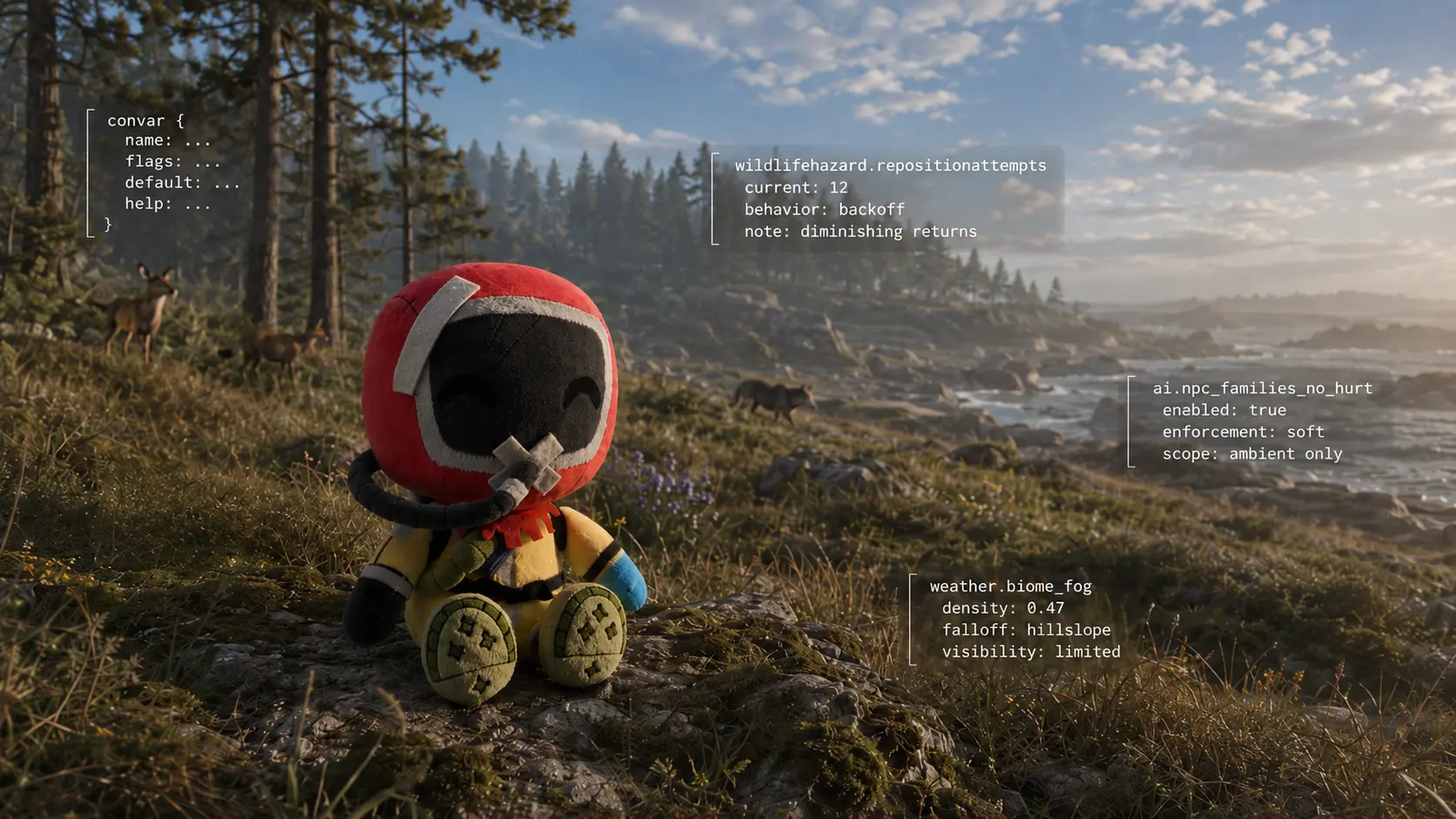
wildlifehazard.repositionattempts = 5
proves that something called a wildlife hazard can attempt to reposition and that the default attempt count is five. (Corrosion Hour)
It does not prove:
what triggers repositioning
what counts as a valid new position
what entity is being repositioned
what happens after all five attempts fail
or:
why repositioning was required in the first place
We can reasonably form questions from the name.
We cannot turn those questions into answers.
This is the point where a command registry and actual system documentation become two different things.
Even Detailed AI Controls Leave Gaps
The ai.* namespace contains some remarkably descriptive variables.
For example:
ai.npc_gun_noise_silencer_modifier = 0.15
publicly describes how a silencer modifies gun noise for NPC AI. (Corrosion Hour)
ai.npc_families_no_hurt = TRUE
explicitly prevents NPCs in the same family from hurting each other. (Corrosion Hour)
ai.npc_speed_sprint = 1
is documented as a speed value between 0 and 1. (Corrosion Hour)
Those controls are unusually generous.
But even hundreds of variables like them would still not amount to the entire AI implementation.
For example:
ai.npc_families_no_hurt
tells us that NPC families exist as a relationship concept.
It does not give us a public table defining every family, every relationship and every exception.
Again:
the variable reveals a concept.
It does not necessarily reveal the complete system behind that concept.
Sometimes a Variable Reveals a Hidden Behaviour
The reverse can also happen.
A behaviour may exist in Rust but remain nearly invisible under default settings.
ai.animal_ignore_food = TRUE
is a good example.
Its public description says that when enabled, animals do not sense food sources or interact with them, and explicitly identifies the default as a server optimization. (Corrosion Hour)
That means the name tells us about behaviour that normal vanilla configuration mostly hides:
animals can sense and interact with food.
The ConVar does not create that capability.
It suppresses it.
This is a very different relationship between configuration and gameplay.
Sometimes the console enables a feature.
Sometimes it adjusts one.
Sometimes it exposes a feature that already exists by letting us stop suppressing it.
No ConVar Does Not Mean No System
This is the mirror-image mistake.
Suppose we search the console for a specific observed behaviour and find nothing.
That does not establish:
Rust has no system for this.
It tells us only:
We have not found a public console control for it.
Many game behaviours have no reason to be administrator-configurable.
They may be:
hard-coded conditions;
component settings;
prefab properties;
animation events;
map volumes;
entity flags;
internal state machines;
scripted triggers;
or values supplied by another system.
The F1 console manipulates only the parameters Facepunch chooses to expose there. (Facepunch Wiki)
A Biome Is a Good Reminder
In Weather Is Not the Environment, we saw that Rust exposes several biome-specific fog controls.
That gives us real evidence that the atmospheric system can differentiate biome context.
But there is still no single:
biome.environment
variable containing everything that happens when a player crosses from Arid into Arctic.
Nor should we expect one.
Weather may read biome information.
Spawning may read biome information.
Vegetation placement may use it.
Temperature can respond to location.
Other systems may have their own local conditions.
The fact that several changes happen at approximately the same boundary does not mean one master function owns all of them.
The console helps separate those layers.
Its silence between them is equally informative.
One Trigger Can Create a Very Convincing Behaviour
Games are particularly good at making simple triggers look intelligent.
Something reacts at exactly the right moment and the player naturally assigns intention to it.
But technically:
event occurs → scripted response
can look almost identical to:
entity perceives event → evaluates it → chooses response
Those are very different mechanisms.
This matters especially when studying ambient life.
An environmental animal, decorative bird or other ambient element may react convincingly without necessarily participating in the same sensory and reasoning systems used by fully simulated NPCs.
Unless Rust exposes the mechanism or Facepunch documents it, the safest statement remains:
this event produces this visible response.
Not:
this entity understood why the event happened.
Configuration Is Also Not Source Code
Some ConVars have extraordinarily specific names:
ai.npc_cover_path_vs_straight_dist_max_diff
ai.npc_deliberate_miss_to_hit_alignment_time
aimanager.ai_dormant_max_wakeup_per_tick
Names like these can feel almost like reading the code itself.
They are not.
They are public inputs into code.
The implementation still decides:
how the value is consumed;
when it is evaluated;
what other conditions override it;
which entities use it;
and what happens when several systems disagree.
A configuration variable is a handle attached to the machine.
It is not the machine.
F1 Became More Helpful — and More Complicated
This became especially important in April 2026.
Facepunch’s Spring Clean update improved console autocomplete so administrators could see server commands directly in F1.
At the same time, Facepunch added AI-generated descriptions for missing console command descriptions. (Rust)
That made the current console substantially easier to explore.
But it introduced a new documentation distinction.
A description displayed in F1 may be:
an original developer-written description
or:
a description generated later to fill an empty field.
Both can be useful.
They do not carry exactly the same documentary weight.
Generated Description Is Not Developer Commentary
This does not mean generated F1 descriptions should be ignored.
They can be excellent navigation aids.
They can explain an obscure name.
They can help an administrator discover what to test.
But if we are trying to understand why a system behaves a certain way, an automatically generated description should not quietly become evidence that a developer explicitly documented the mechanism.
Facepunch itself identified these as generated descriptions when the feature was introduced. (Rust)
So a useful evidence hierarchy remains:
developer documentation
released change notes
current exposed control
specialist documentation
reproducible observation
inference
Different questions require different levels.
Blank Documentation Is Also Information
The six wildlifehazard.* variables illustrate this beautifully.
They exist.
They have defaults.
They have names.
But the current public command inventory leaves their description fields blank. (Corrosion Hour)
We could treat that as a failure and fill the gaps ourselves.
Or we can record something much more useful:
Current public documentation does not explain this namespace sufficiently.
That statement has value.
It tells the next researcher where not to assume too much.
It tells an administrator that experimentation may be necessary.
And it gives us a precise target if a future Facepunch commit, devblog or documentation update explains the system.
Documentation Has a Date Too
Commands evolve.
Descriptions evolve.
Defaults evolve.
Sometimes a ConVar remains while the system around it changes considerably.
Sometimes a newer command replaces an older one.
Sometimes documentation simply never catches up.
This is why an old page can still be extremely valuable for explaining why a current control exists while being unreliable as an inventory of today’s controls.
Likewise, a current command list can accurately prove that a ConVar exists today while telling us almost nothing about its history.
There is no contradiction.
They answer different questions.
The Console Can Reveal Questions Better Than Answers
This may be its greatest value for Rust Observer.
Take:
ai.npc_families_no_hurt
Instead of merely asking:
How do I turn this off?
we can ask:
What does Rust consider an NPC family?
Take:
wildlifehazard.repositionattempts
and the question becomes:
What is a Wildlife Hazard, and why does it need repositioning?
Take:
aithinkmanager.petframebudgetms
and we can ask:
Why do pets have a separately budgeted AI workload?
Take:
weather.biome_fog_*
and the question becomes:
Which atmospheric properties are actually local to biome context?
The console does not always answer those questions.
Sometimes its greatest contribution is proving that the question is worth asking.
Current Sparse Controls
A useful final table for the series is therefore not a list of well-documented commands.
It is almost the opposite.
Controls That Expose More Questions Than Answers
| ConVar | Default | What We Actually Know |
|---|---|---|
wildlifehazard.chancetorepositionmultiplier |
1 |
A reposition chance multiplier exists |
wildlifehazard.clienttickrate |
0.1 |
Wildlife Hazard has a client tick rate |
wildlifehazard.reactiontimemultiplier |
1 |
Reaction timing can be multiplied |
wildlifehazard.repositionattempts |
5 |
Repositioning has a finite attempt count |
wildlifehazard.repositionradiusmultiplier |
1 |
Reposition radius can be scaled |
wildlifehazard.repositiontimermultiplier |
1 |
Reposition timing can be scaled |
The defaults are publicly listed, but current public descriptions are blank. (Corrosion Hour)
That is all we need to say.
Anything beyond it requires stronger evidence.
What We Learned From What Rust Exposes
Across Under Rust, the console showed us:
weather presets
atmospheric parameters
biome-dependent fog
environment time
managed populations
spawn maintenance
AI dormancy
sensory updates
reasoning
navigation
processing budgets
building upkeep
decay timing
feature-specific economies
temporary world lifecycles
and many smaller control surfaces.
Each one revealed a seam in the game.
But seams are not the whole structure.
What We Learned From What Rust Does Not Expose
The missing controls teach something different.
They remind us that:
visible behaviour is not automatically its cause
one exposed gate is not the entire system
one namespace does not contain every system affecting a feature
an undocumented value should remain undocumented
a missing ConVar does not imply a missing mechanism
and:
configuration is not source code
These limits do not make the console less useful.
They make it possible to use the console correctly.
Under Rust
Rust presents itself as an island.
Players see forests, bases, animals, Scientists, storms, monuments, vehicles and other players.
Administrators see another version of the same place:
weather.*
env.*
spawn.*
ai.*
aimanager.*
decay.*
deepsea.*
and hundreds of other names.
Neither view is complete.
One shows us the result.
The other exposes some of the controls that helped produce it.
The interesting work begins when the two disagree.
A bear stands perfectly still.
A sky changes colour at a biome boundary.
A player enters a safe zone and an animal suddenly stops behaving normally.
A building survives longer than expected after its Tool Cupboard disappears.
A feature seems simple until its own namespace contains forty controls.
Those moments reveal the seams.
And once we can see the seams, we can start asking a better question than:
What command changes this?
We can ask:
What part of Rust am I actually looking at?
Sometimes the console answers.
Sometimes Facepunch documented it years ago.
Sometimes testing exposes another layer.
And sometimes Rust gives us nothing more than a strangely named variable with a default value.
That is not the end of the investigation.
That is usually where it starts.