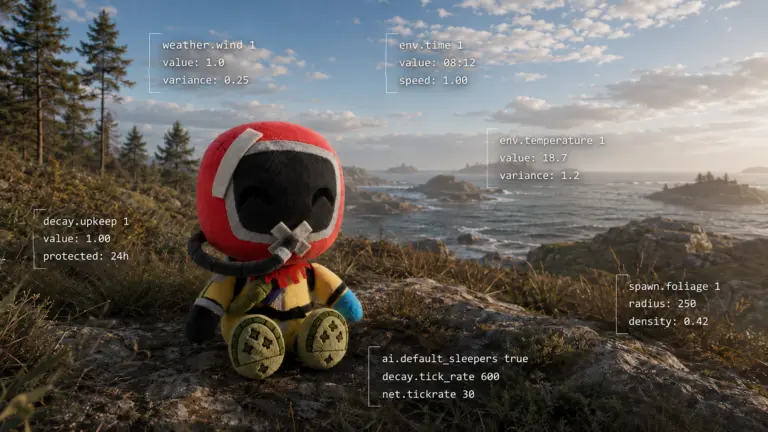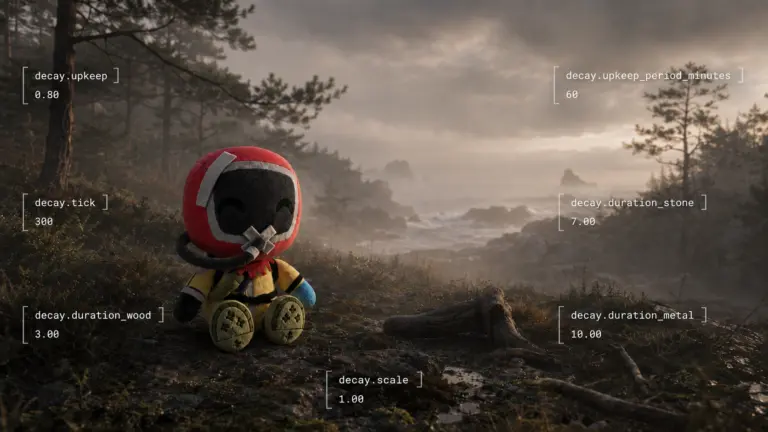
Weather Is Not the Environment
Explore Rust weather and environment controls, from fog and wind to Rayleigh, Mie and biome-specific atmosphere through Commands and ConVars.
Reading Rust’s Atmosphere Through the Console
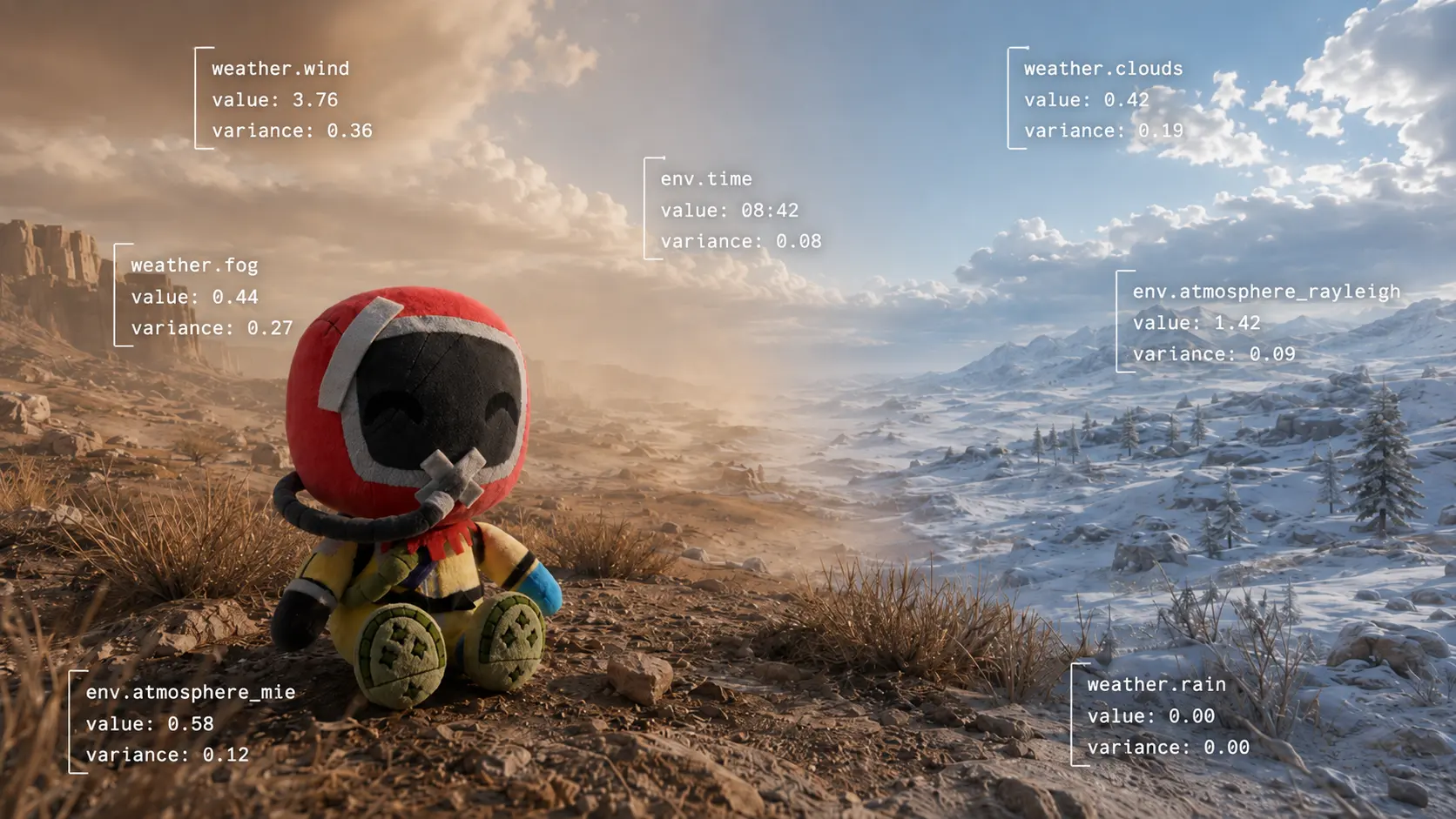
Walk from the Arid biome into the Arctic.
Nothing needs to start raining.
No administrator needs to load a new weather preset.
Yet the world can change dramatically.
The warm beige character of the Arid atmosphere gives way to the much brighter, whiter Arctic environment.
To a player, all of that can feel like one thing:
the environment.
Rust’s administrative language separates it much more finely.
There is:
weather.*
and there is:
env.*
There are weather presets, probability controls, individual atmospheric parameters, biome-specific fog controls and separate gameplay consequences such as wetness.
The player receives one scene.
Rust builds it from several pieces.
Weather Has Its Own System
Facepunch describes the current weather system as almost entirely artist-driven, with code blending between different weather presets. (Facepunch Wiki)
That is already an important clue.
Weather is not simply:
rain = TRUE
Instead, Rust can load a complete atmospheric state and blend between different states.
The basic administrative commands are:
| Command | Accepted value | Function |
|---|---|---|
weather.load |
Clear, Dust, Fog, Overcast, RainHeavy, RainMild, Storm |
Load a weather preset |
weather.reset |
— | Return to dynamic weather |
weather.report |
— | Report dynamic weather |
These commands and preset names are documented directly by Facepunch. (Facepunch Wiki)
So:
weather.load Fog
and:
weather.fog
are not the same operation.
One selects a complete weather preset.
The other controls one parameter.
Probability Comes Before the Result
Dynamic weather also has its own probability controls.
| ConVar | Default | Range | Function |
|---|---|---|---|
weather.clear_chance |
1 |
Undocumented | Clear probability |
weather.dust_chance |
0 |
Undocumented | Dust probability |
weather.fog_chance |
0 |
Undocumented | Fog probability |
weather.overcast_chance |
0 |
Undocumented | Overcast probability |
weather.rain_chance |
0 |
Undocumented | Rain probability |
weather.storm_chance |
0 |
Undocumented | Storm probability |
Facepunch explicitly identifies these as probability parameters used by dynamic weather; the current defaults above come from the August 2026 console inventory. (Facepunch Wiki)
This gives us a useful distinction:
chance of rain
is not:
amount of rain
weather.rain_chance
and:
weather.rain
belong to different stages of the system.
The Weather Can Be Taken Apart
Facepunch also exposes individual atmospheric controls. (Facepunch Wiki)
| ConVar | Default | Range | Function |
|---|---|---|---|
weather.rain |
-1 |
Undocumented | Rain amount |
weather.wind |
-1 |
Undocumented | Wind amount |
weather.thunder |
-1 |
Undocumented | Thunder / lightning amount |
weather.fog |
-1 |
Undocumented | Fog amount |
weather.rainbow |
-1 |
Undocumented | Rainbow trigger |
weather.atmosphere_rayleigh |
-1 |
Undocumented | Rayleigh scattering intensity |
weather.atmosphere_mie |
-1 |
Undocumented | Mie scattering intensity |
weather.atmosphere_brightness |
-1 |
Undocumented | Sky brightness |
weather.atmosphere_contrast |
-1 |
Undocumented | Sky contrast |
weather.atmosphere_directionality |
-1 |
Undocumented | Size/directionality of solar glow |
The current defaults are recorded in the present console baseline.
The meaning of -1 has already been covered in Part 1, so we do not need to explain it again here.
Two names do deserve additional context.
Rayleigh
Rayleigh scattering describes the scattering of light by particles much smaller than the wavelength of that light.
In atmospheric rendering, it is strongly associated with the basic colour of the sky and with colour changes around sunrise and sunset.
That explains why a Rust variable named:
weather.atmosphere_rayleigh
belongs beside sky colour controls.
Mie
Mie scattering describes scattering by larger particles and aerosols.
In atmospheric rendering it is especially useful for haze, whitening and the glow around bright light sources.
Rust exposes it separately:
weather.atmosphere_mie
because Rayleigh and Mie provide different ingredients for building an atmosphere.
Facepunch itself describes both controls as scattering intensities that determine the colour of the sky. (Facepunch Wiki)
The important point is not to turn the table into a physics course.
It is simply to make two otherwise obscure names understandable.
Artist-Driven Means the Look Can Be Built
The phrase artist-driven is particularly useful here.
It does not merely mean that an artist creates a button called Storm.
The exposed controls allow the visual atmosphere to be assembled from individual properties: scattering, brightness, contrast, fog, clouds, sun glow and other parameters. (Facepunch Wiki)
This makes local visual identity possible.
The obvious example is the difference between Arid and Arctic.
The transition is not simply:
brown ground → white ground
The apparent colour and brightness of the environment itself changes.
And Rust has a long history of treating biome as an input to atmospheric presentation.
Biome Was Part of the Weather Model From Early Experimental
In June 2015, Facepunch described its first custom dynamic-weather system.
Instead of simply fading between predefined weather events, Rust generated weather indicators such as humidity, precipitation and expected wind speed, then mapped them into visual results including rain, snow, fog and cloud coverage.
Crucially, Facepunch said those results could depend on:
server seed
time
date
and:
biome. (Rust)
That was an early implementation and should not be mistaken for a complete description of the current 2026 system.
But it establishes something important:
biome-dependent atmospheric presentation has been part of Rust’s design vocabulary for a very long time.
This is why the Arid-to-Arctic transition is more useful than simply saying one biome has a different colour palette.
The atmosphere itself participates in the biome’s presentation.
Current Rust Exposes Biome Fog Directly
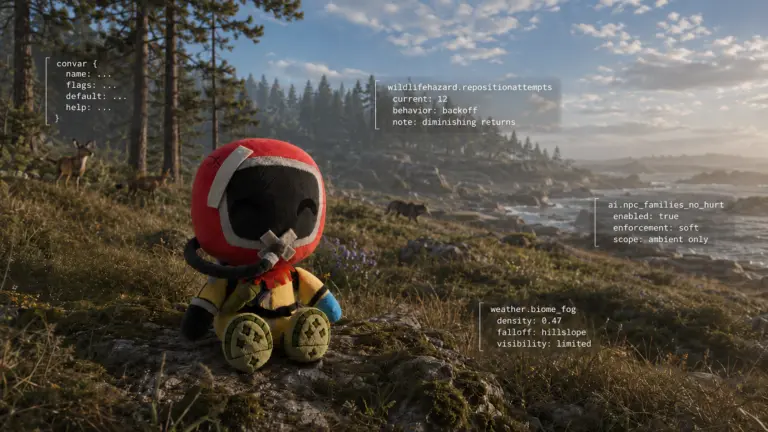
The present console makes that relationship even more visible.
Current weather.* includes separate families for:
weather.arctic_fog_*
weather.arid_fog_*
weather.jungle_fog_*
weather.temperate_fog_*
weather.tundra_fog_*
The exposed controls include separate fog ramp, ambient-intensity and light-boost settings for these biome groups. Their current default is generally -1 in the recorded inventory.
Rust also exposes:
weather.biome_fog_distance_curve
and:
weather.biome_fog_ambient_saturation_mult
with the same current -1 default.
That does not prove that every colour change at a biome border comes from these fog controls.
Nor does it prove that Rayleigh or Mie alone produces the beige Arid sky or the bright Arctic sky.
It tells us something narrower and more reliable:
Rust’s atmospheric control surface explicitly contains parameters intended to vary with biome context.
That is enough.
One Biome Does Not Have to Be One Giant Switch
This distinction changes how we can think about biomes.
A player may experience:
- terrain colour;
- vegetation;
- temperature;
- fog;
- sky colour;
- lighting;
- wildlife;
- precipitation;
as one coherent package.
But the administrative controls suggest a modular system.
Different parts of Rust can respond to the same biome context independently.
A useful model is therefore:
Biome condition → system reads biome → local effect
rather than:
Biome → everything changes through one master switch
That does not tell us the exact sampling mechanism.
It simply avoids assuming one when several exposed systems clearly exist.
Clouds Have Their Own Parameters Too
Facepunch also separates cloud properties. (Facepunch Wiki)
The documented controls include:
weather.cloud_size
weather.cloud_opacity
weather.cloud_coverage
weather.cloud_sharpness
weather.cloud_coloring
weather.cloud_attenuation
weather.cloud_scattering
weather.cloud_brightness
Again, the useful point is not to define what opacity means.
The names show that cloudiness is itself assembled from multiple properties.
A cloudy sky is not necessarily one numerical state called cloudy.
Rain and Wetness Are Not the Same Setting
Weather also crosses into gameplay.
| ConVar | Default | Range | Function |
|---|---|---|---|
weather.wetness_rain |
0.4 |
Undocumented | Wetness from rain |
weather.wetness_snow |
0.2 |
Undocumented | Wetness from snow |
The defaults come from the current inventory, while Facepunch explicitly documents these variables as controlling how wet players become from rain and snow. (Facepunch Wiki)
That gives us another separation:
rain exists
and:
rain makes the player wet
are related but independently exposed properties.
Facepunch was already connecting precipitation and fog to player wetness and water catchers in the first dynamic-weather implementation in 2015. (Rust)
Rain Now Has a Wipe Gate
A newer example appeared in June 2026:
weather.rain_grace_period
Facepunch added the ConVar to control how many hours after a wipe must pass before rain can occur. (Rust)
That variable is interesting because it does not control the amount of rain and does not control rain probability directly.
It controls when rain is allowed to become part of the wipe.
So even within weather we can now distinguish:
Probability
Atmospheric value
Gameplay consequence
Temporal permission
The visible result may still be nothing more dramatic than:
It started raining.
Then There Is env.*
Weather is only part of the scene.
Rust also exposes a separate env.* namespace.
The current baseline contains 11 entries covering time/date, ocean level, night-light controls and special environment state.
| ConVar | Default | Range / Format | Function |
|---|---|---|---|
env.time |
0 |
1–24 |
Time of day |
env.progresstime |
FALSE |
TRUE / FALSE |
Time progression |
env.day |
0 |
Undocumented | Day |
env.month |
0 |
Undocumented | Month |
env.year |
0 |
Undocumented | Year |
env.oceanlevel |
0 |
numeric, meters | Ocean-level offset |
env.redmoon |
FALSE |
TRUE / FALSE |
Red moon |
env.nightlight_brightness |
0.022 |
Undocumented | Night-light brightness |
env.nightlight_distance |
7 |
Undocumented | Night-light distance |
env.nightlight_fadefraction |
0.65 |
Undocumented | Night-light fade fraction |
The defaults come from the current console inventory. Facepunch documents env.time as the whole-server time command and env.progresstime as the control deciding whether time continues advancing. (Facepunch Wiki)
env.time Is Not HH.MM
This one deserves its own reminder because its format is not intuitive.
env.time 9.10
does not mean:
09:10.
Rust is using a decimal position in the hour.
So:
9.25 = 09:15
9.50 = 09:30
9.75 = 09:45
and:
9.10 ≈ 09:06.
The official documentation gives the accepted 1–24 time range for the server command. (Facepunch Wiki)
Time and Time Progression Are Separate
env.time
answers:
Where are we in the day?
env.progresstime
answers:
Should that position keep advancing?
That separation is extremely useful for controlled observation.
An administrator can hold the world at one solar position while changing weather or atmospheric values independently.
The systems normally arrive together during gameplay.
The console allows them to be separated.
Ocean Level Is Environment, Not Weather
env.oceanlevel provides an unusually clear unit.
Facepunch documented:
sv env.oceanlevel 1
as raising the ocean level by one meter for everyone on the server. (Rust)
That variable sits under:
env.*
not:
weather.*
A storm does not have to raise the ocean through this ConVar.
The ocean elevation is a separate environmental state.
Again, one scene can contain several independent systems.
Local and Server-Wide Are Also Different
Weather commands also expose another useful distinction.
Facepunch documents that weather commands entered locally by an administrator can affect only that administrator’s weather.
Prefixing the command with:
sv
applies the server-side version.
For example:
sv weather.load Clear (Facepunch Wiki)
This is particularly useful for content creation.
But conceptually it tells us something else:
what one administrator sees locally is not automatically the server’s environmental state.
Client presentation and server state must sometimes be kept separate too.
One Scene, Several Systems
Imagine one frame from Rust:
The sun is low.
The sky is pale.
Fog is thick in one biome.
Cloud coverage is high.
Rain is falling.
The player is getting wet.
The ocean is one meter above normal.
From the player’s perspective:
bad weather.
From the administrative side, that scene might involve:
env.time
weather preset selection
weather.fog
weather.cloud_*
biome-specific fog controls
weather.rain
weather.wetness_rain
env.oceanlevel
Those values can overlap in one image without belonging to one system.
That is why:
Weather is not the Environment.
And a biome is not necessarily either of them.
They simply meet on the same island.